
SmartCut Pro 3.4.1 – Android Package
$ 14,99
Lifetime License (Perpetual License)
Available soon
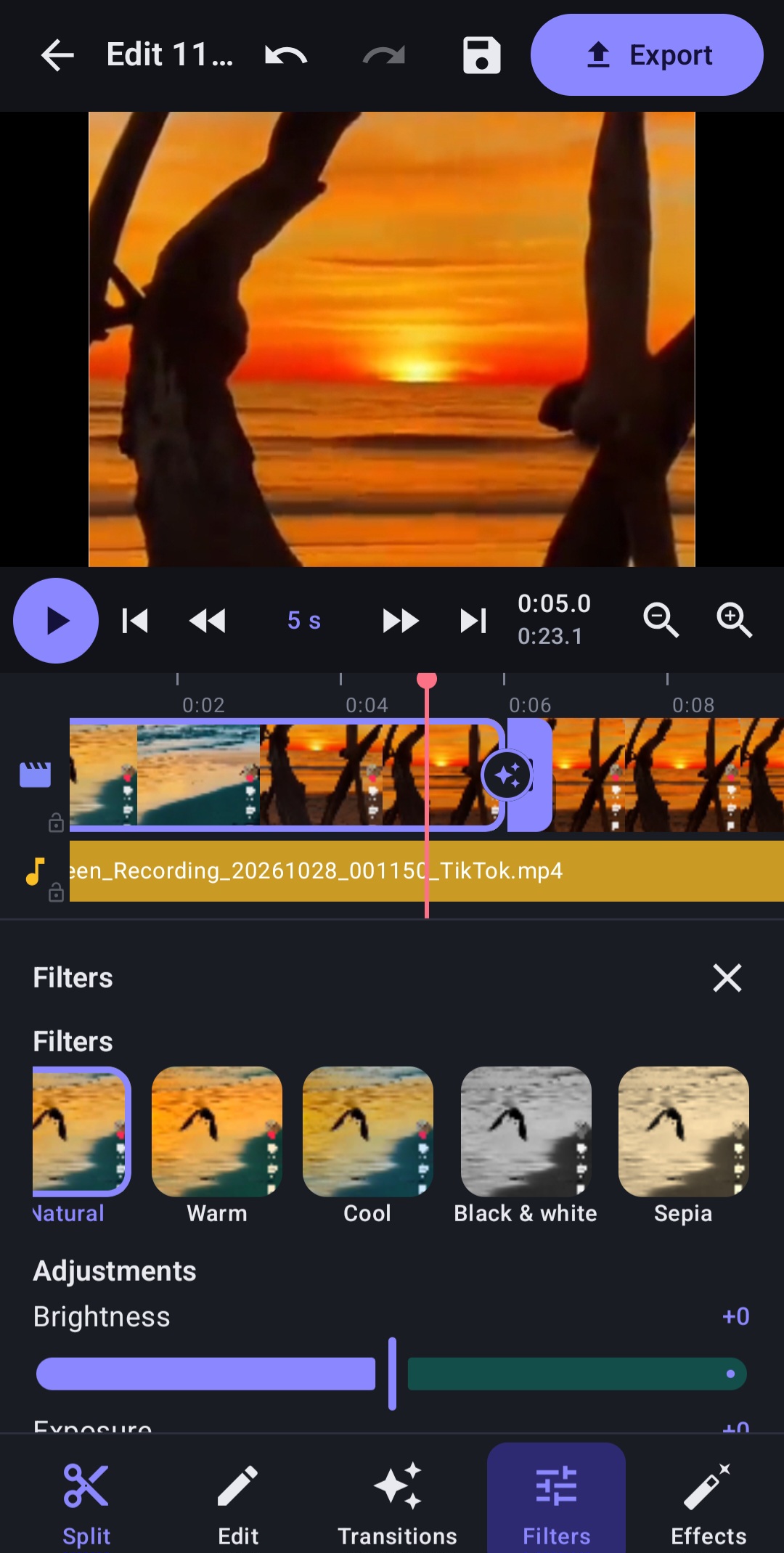
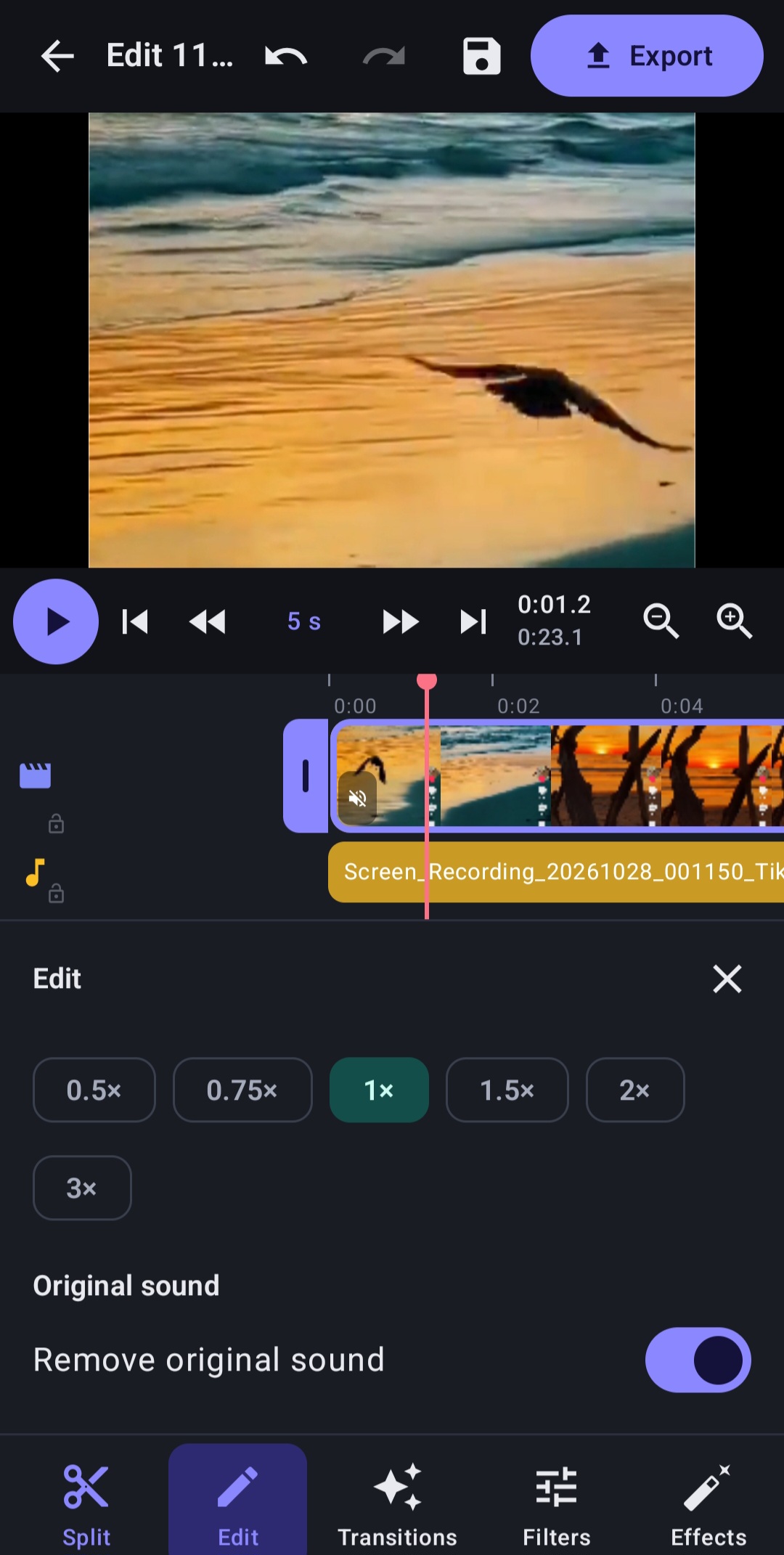
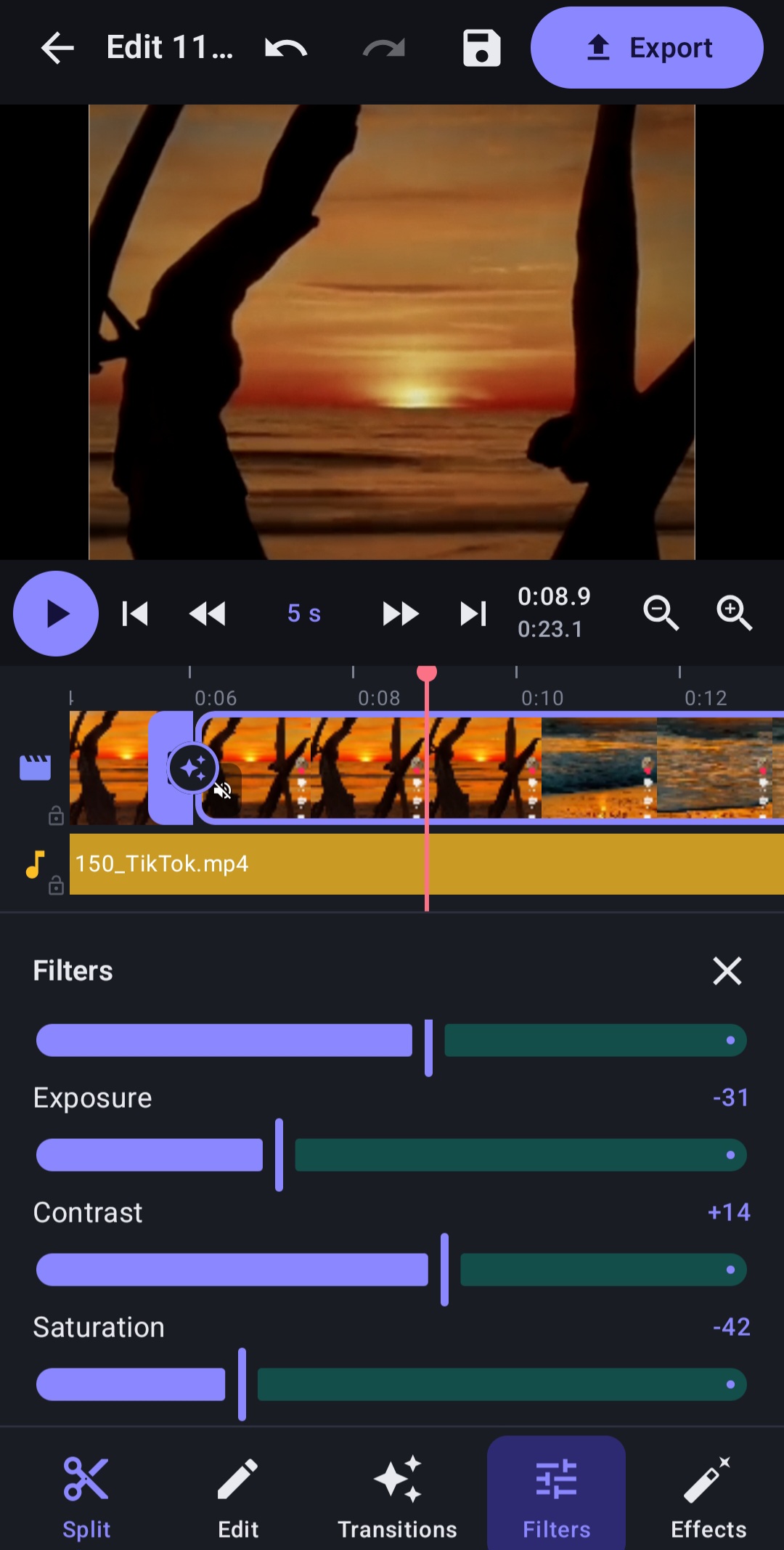
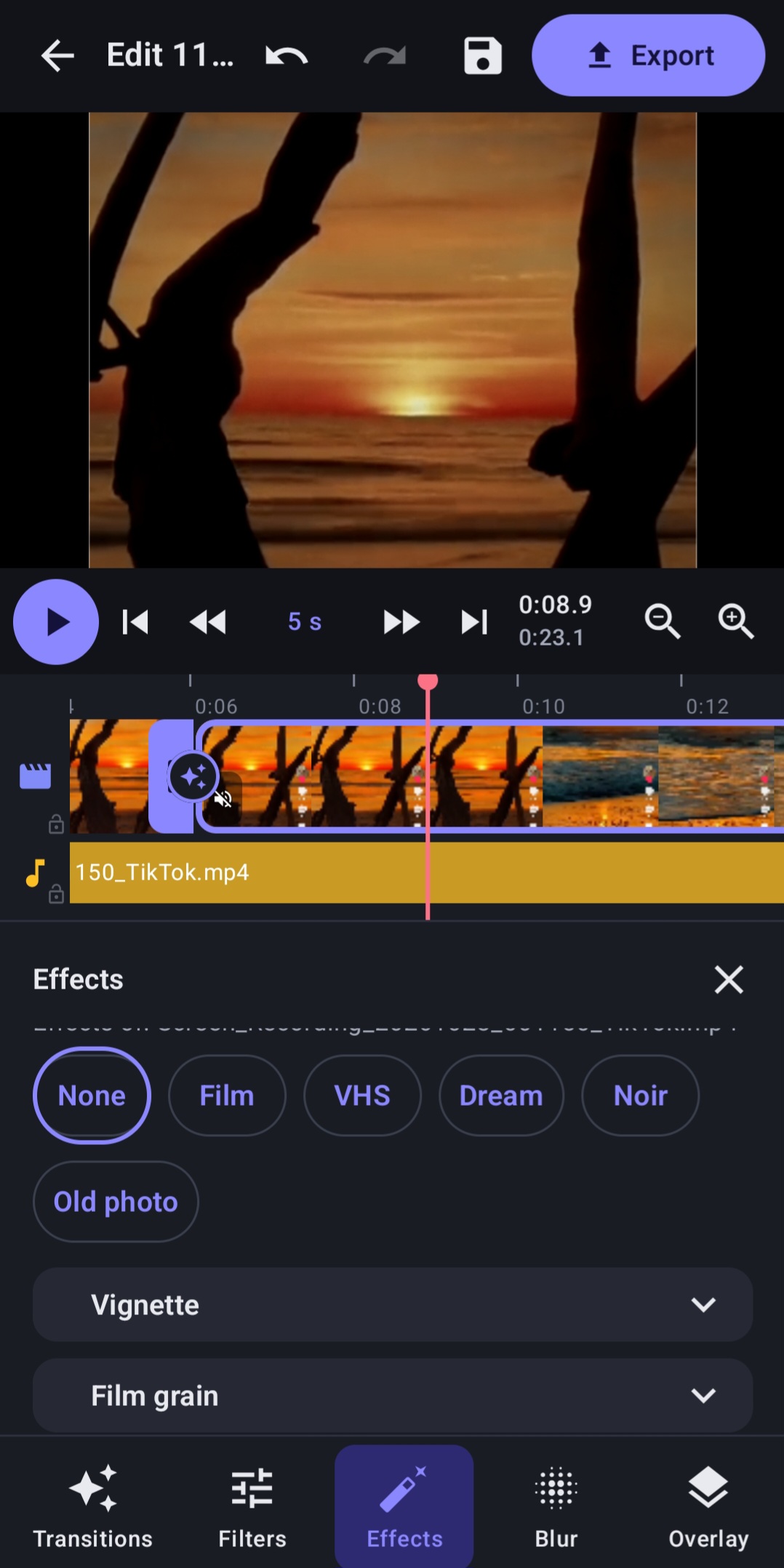
Edit videos. Unleash your creativity. Enjoy the Pro experience.
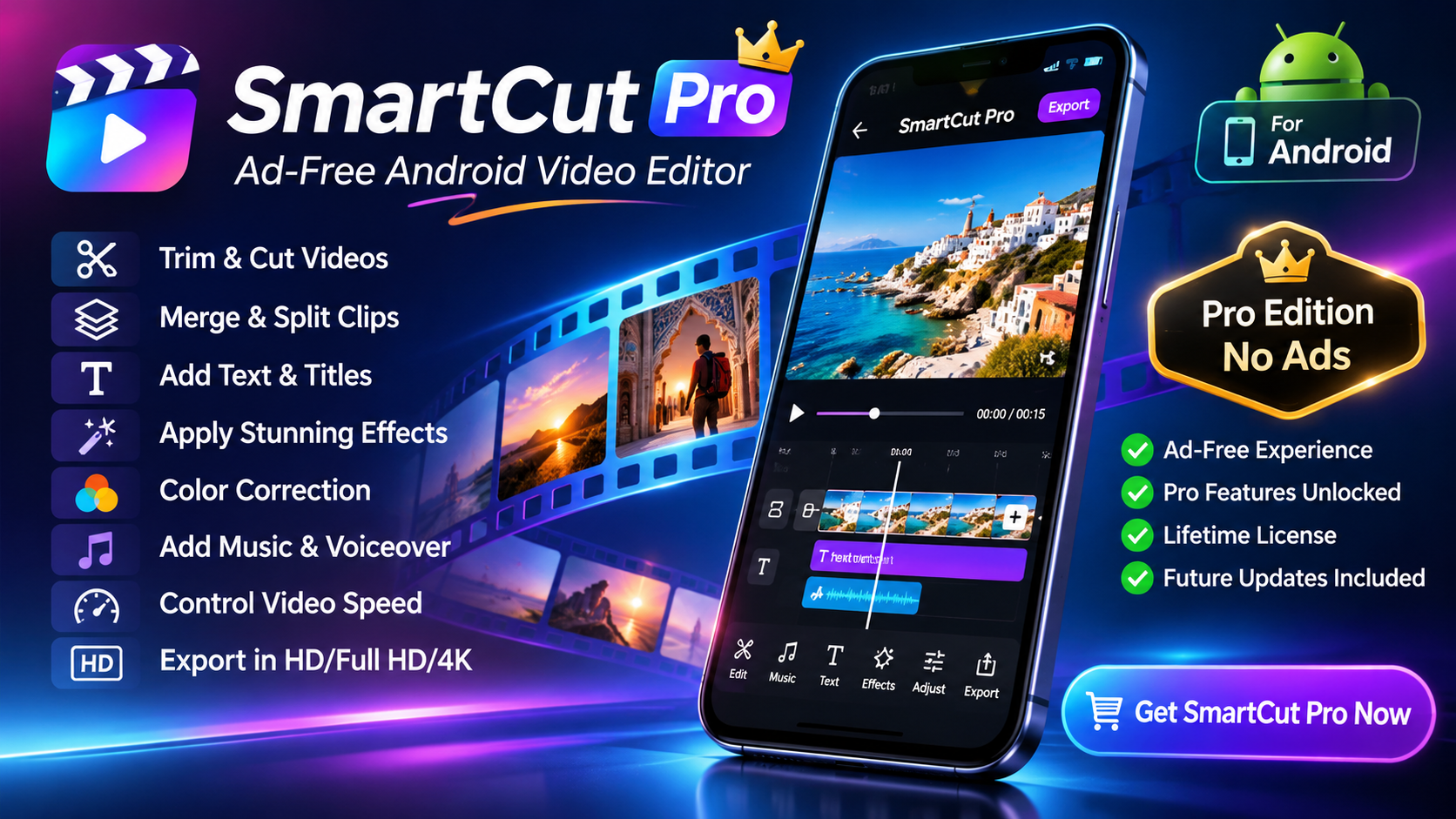
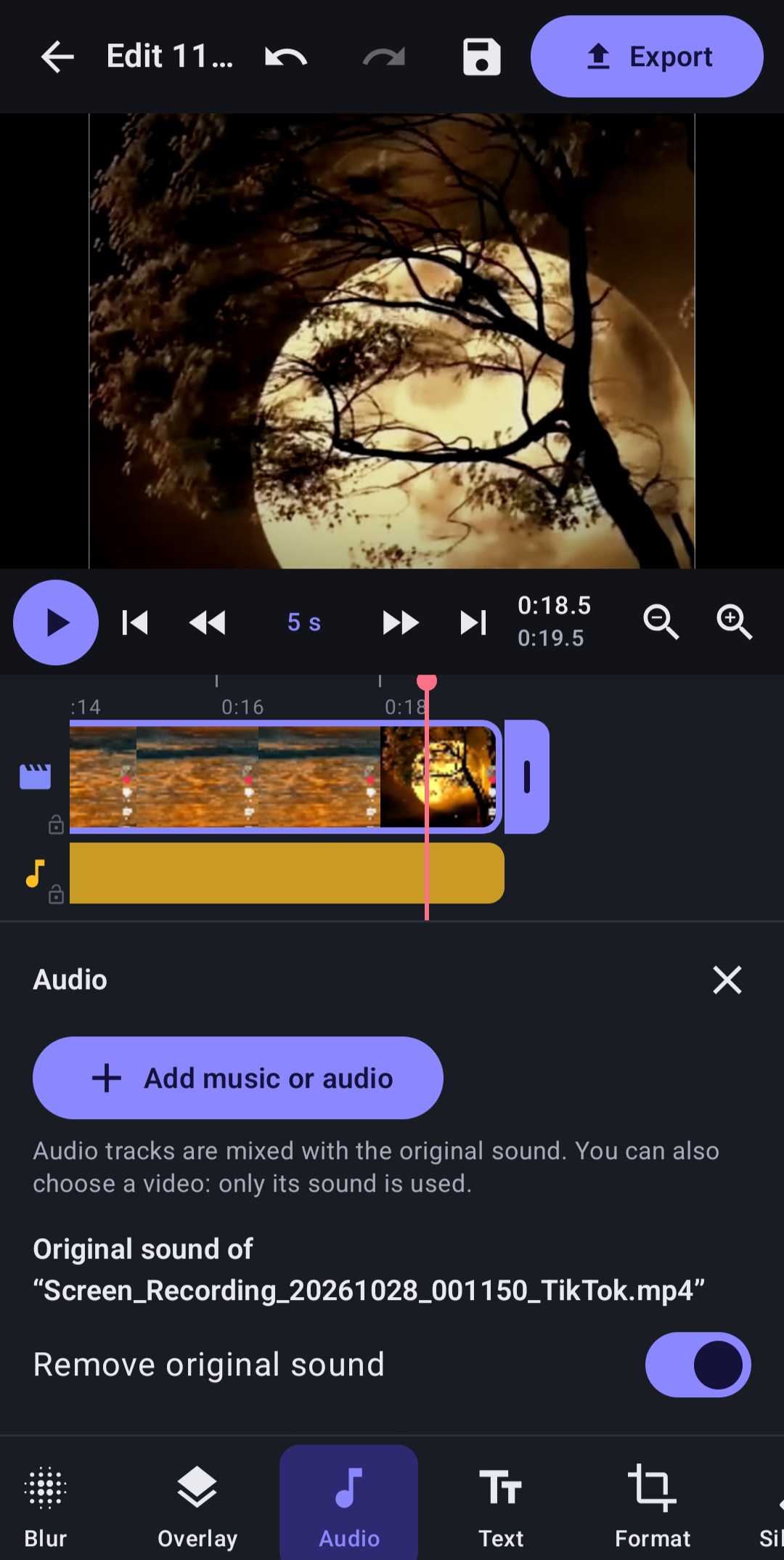
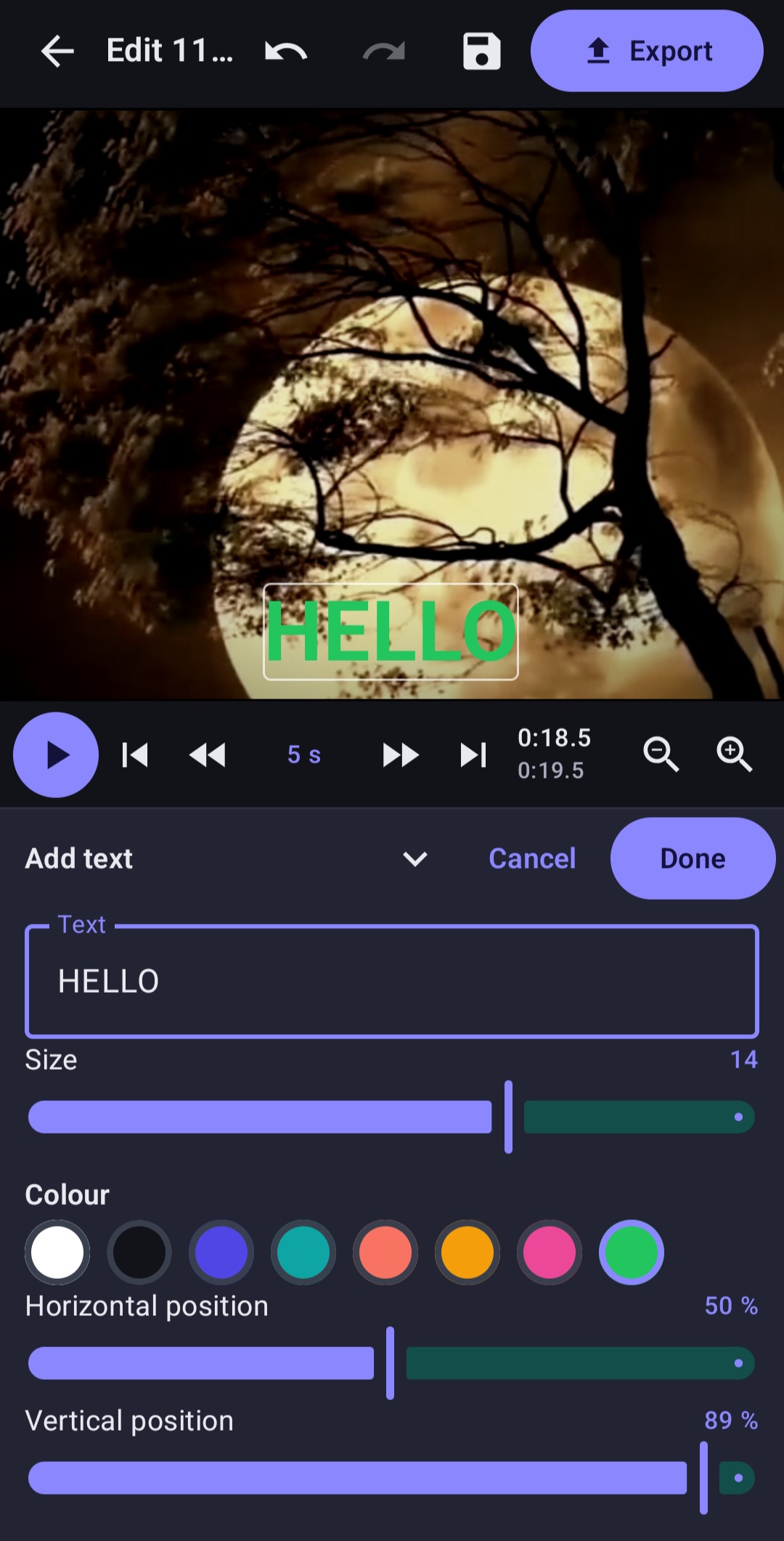
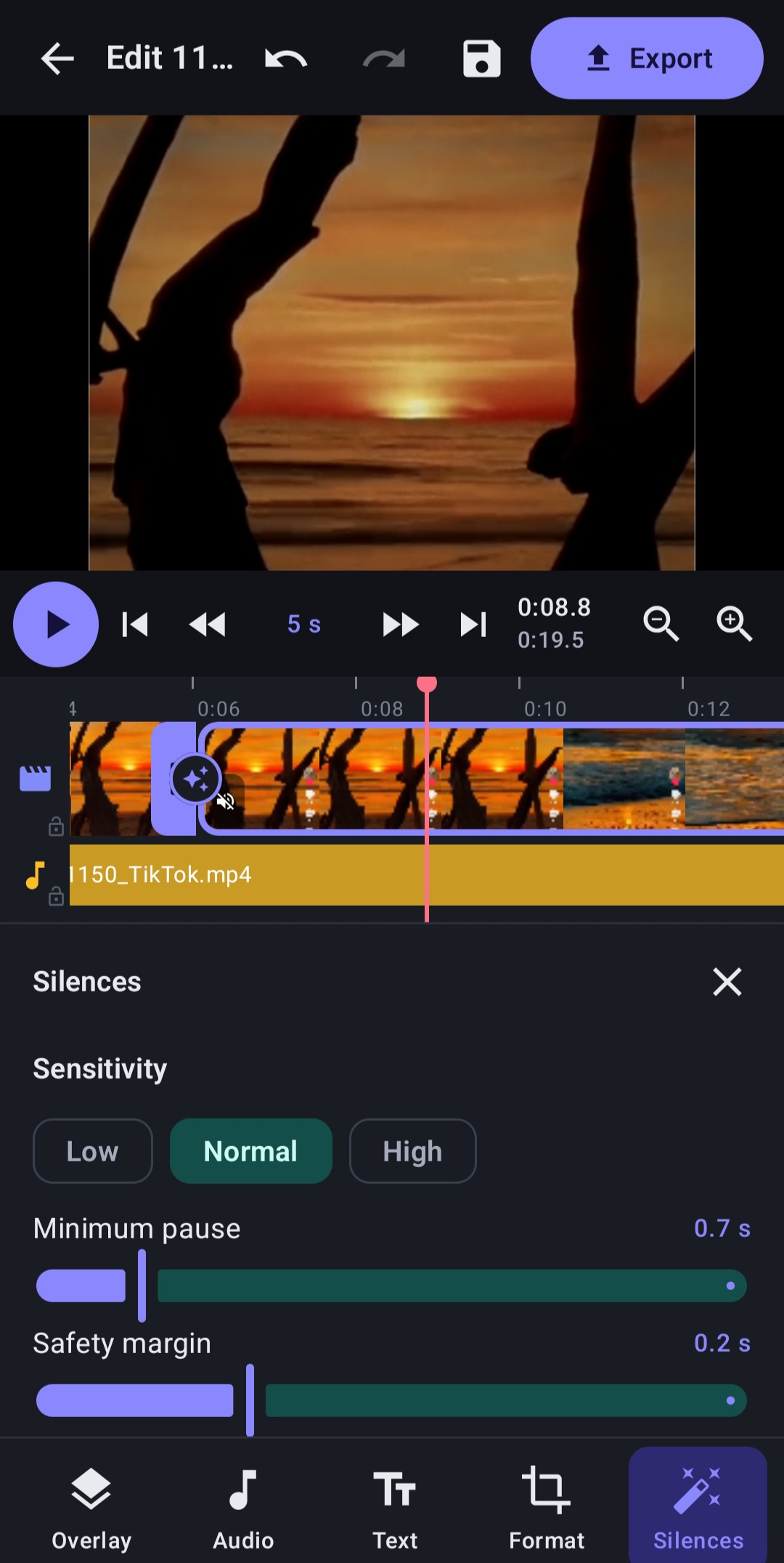
SmartCut Pro – Ad-Free Android Video Editor Edit videos. Unleash your creativity. Enjoy the Pro experience. SmartCut Pro is an Android video editing application designed for…
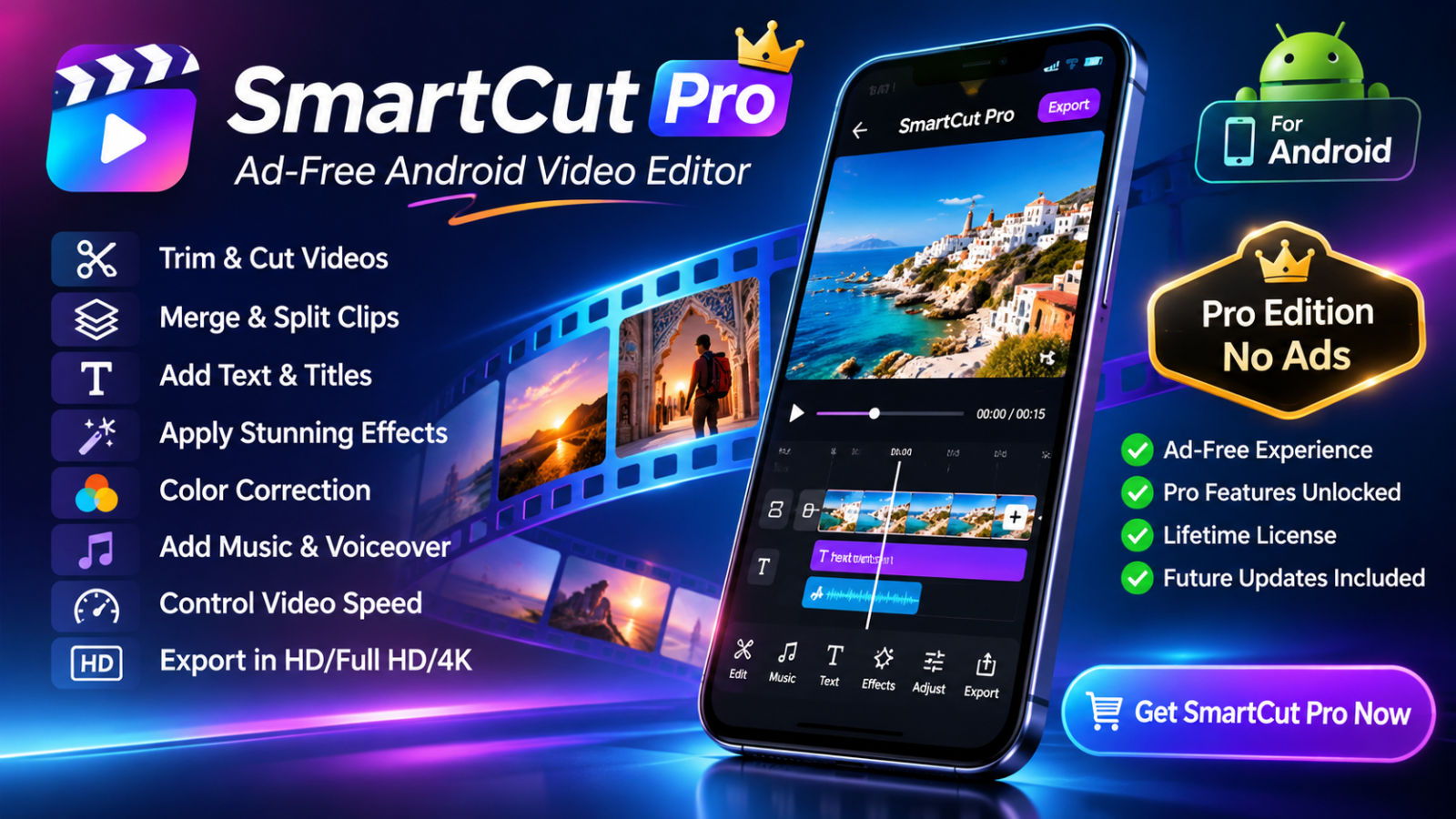
Edit videos. Unleash your creativity. Enjoy the Pro experience.
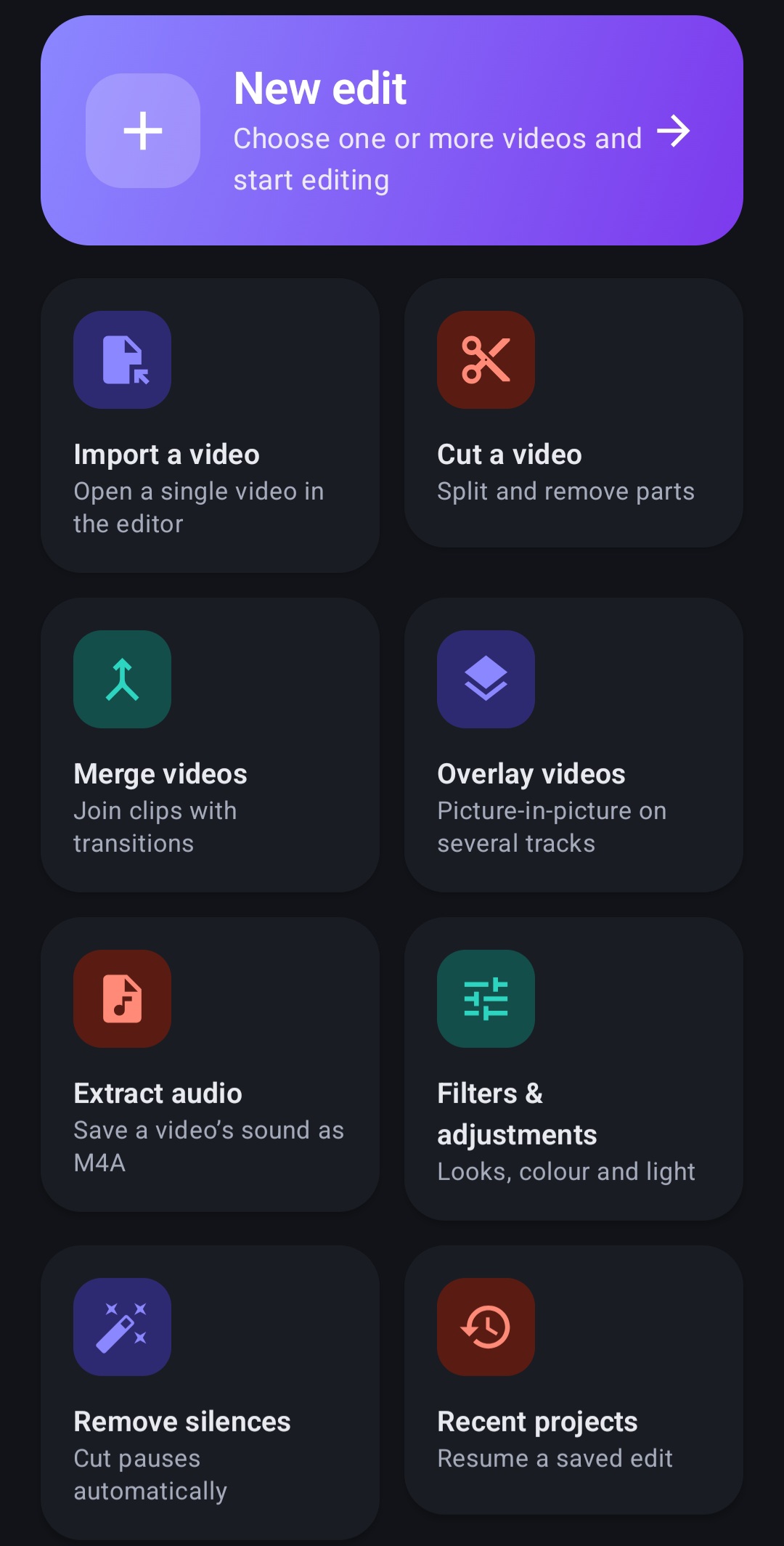
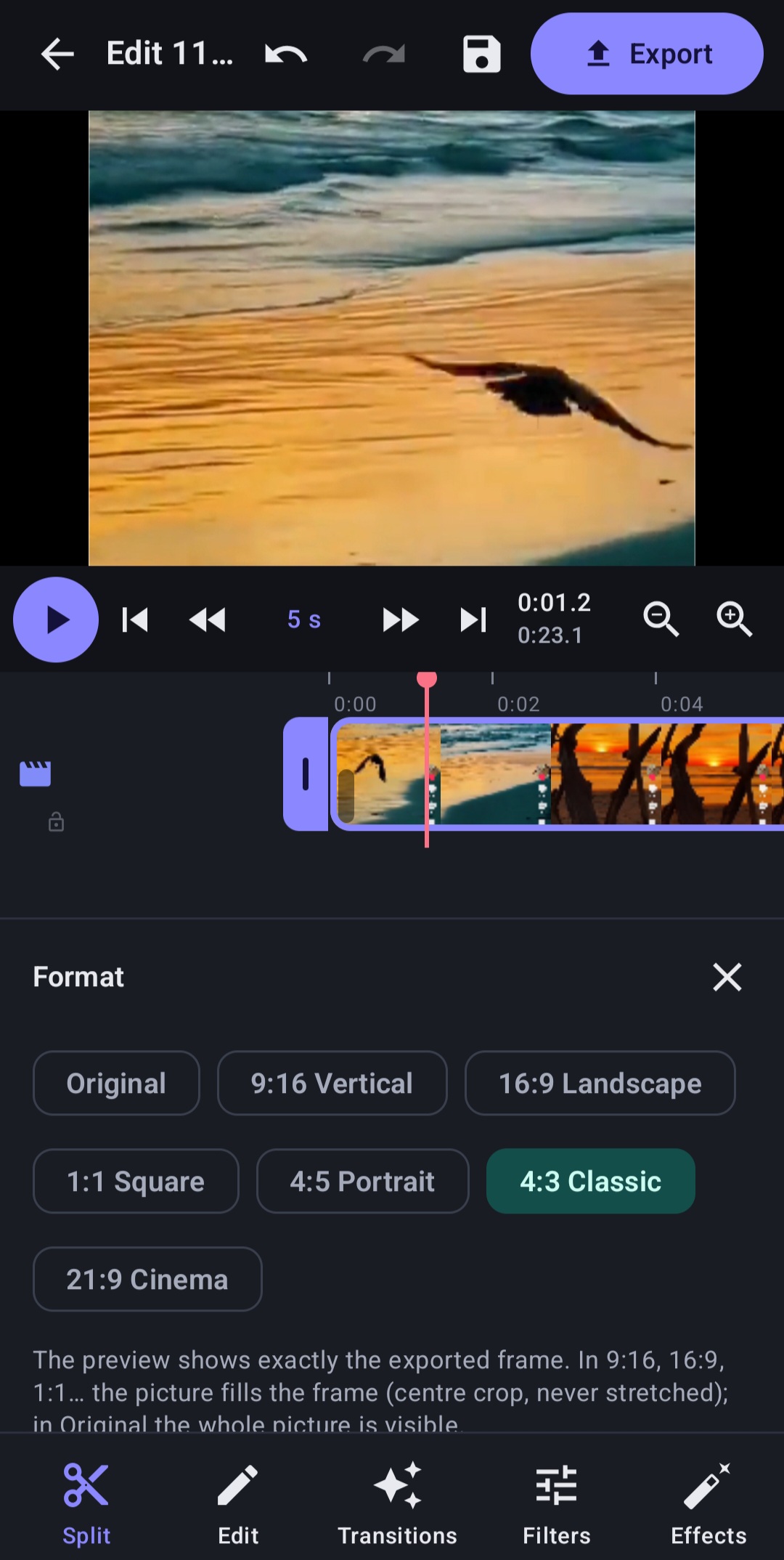
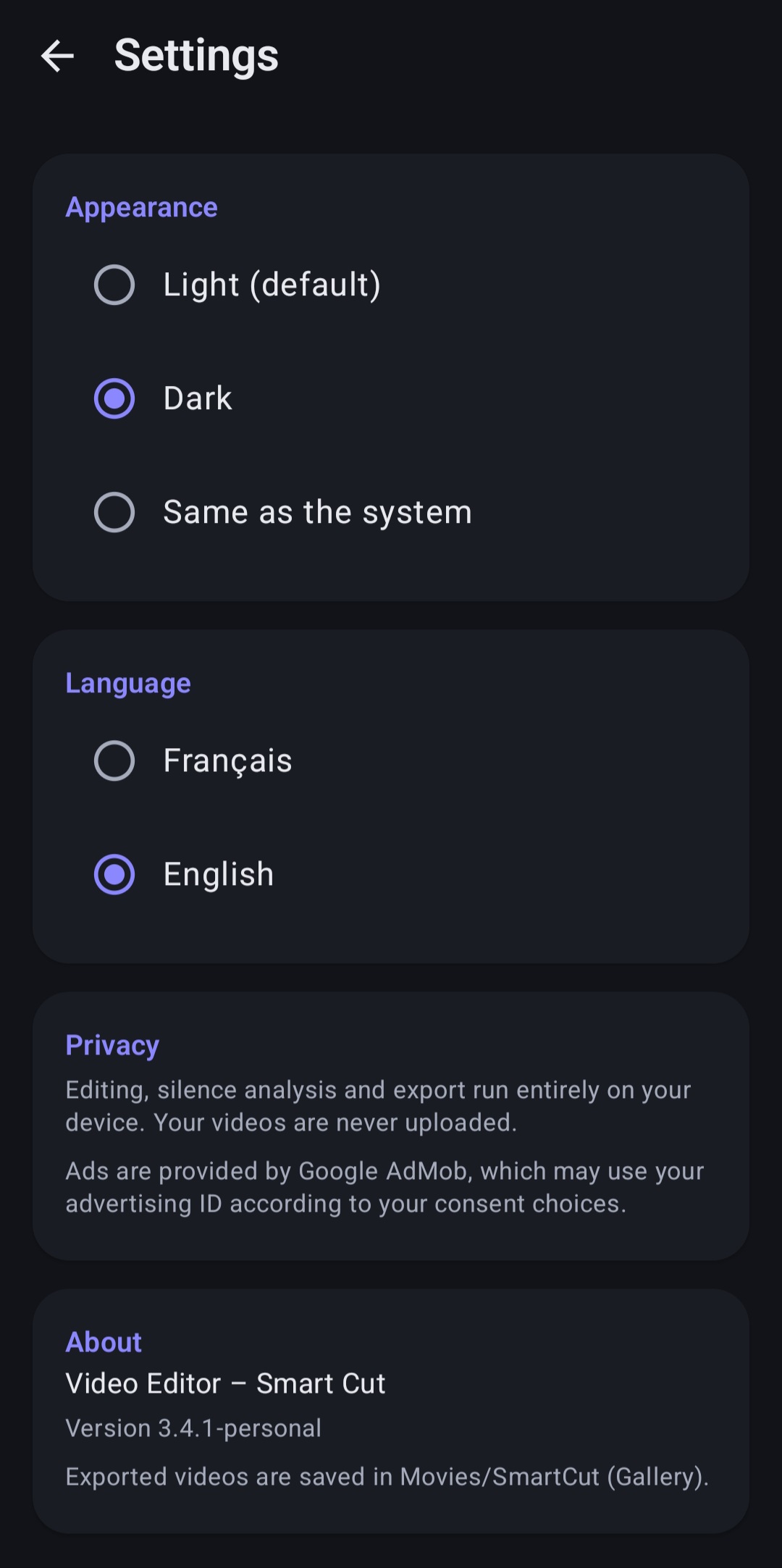
SmartCut Pro is an Android video editing application designed for users who want a complete editing experience without advertising interruptions.
Get the Pro edition with access to its available premium features, enjoy an ad-free experience, and make the most of your video editing workflow.
SpecificationDetailsProductSmartCut ProVersion3.4.1PlatformAndroidPackageAPKEditionPersonal – No AdsDownload sizeApproximately 73.6 MBLicenseLifetimeUpdatesFuture updates included
| Specification | Details |
|---|---|
| Product | SmartCut Pro |
| Version | 3.4.1 |
| Platform | Android |
| Package | APK |
| Edition | Personal – No Ads |
| Download size | Approximately 73.6 MB |
| License | Lifetime |
| Updates | Future updates included |
This is a one-time purchase. Your license does not require a recurring subscription.
Future updates will be provided when released. Updates do not include custom software development, individually requested features, or unlimited personalized technical support.
Android device required. Please check your device compatibility before purchasing.
This is a digital product. No physical item will be shipped. The download becomes available after successful payment confirmation.
SmartCut Pro – Buy once. Edit without ads. Keep creating.
## Installation Instructions
Follow these simple steps to install SmartCut Pro on your Android device.
**Step 1 – Purchase and Download**
- Complete your purchase on AspireGate.
- Log in to your AspireGate account.
- Go to **My Account → My Downloads**.
- Download the SmartCut Pro APK file.
**Step 2 – Allow APK Installation**
- Open your device's Downloads folder.
- Tap the downloaded APK file.
- If Android asks for permission, allow your browser or file manager to install apps from this source.
- Return to the installation screen.
**Step 3 – Install SmartCut Pro**
- Tap **Install**.
- Wait for the installation to finish.
- Once completed, tap **Open**.
**Step 4 – Start Editing**
SmartCut Pro is now installed and ready to use. Open the application and enjoy your ad-free video editing experience.
### Important Notes
- SmartCut Pro requires a compatible Android device.
- Installation instructions may vary slightly depending on your Android version and device manufacturer.
- Only install the APK downloaded from your official AspireGate account.
- If you encounter installation problems, contact AspireGate Support.
**Need Help?**
Visit our Support page if you need assistance with downloading or installing SmartCut Pro.
Supported: Android
$ 14,99
Lifetime License (Perpetual License)
Available soon
Included
SmartCut Pro is a premium digital product. After successful payment, you can download the APK securely from your AspireGate account under **My Account → My Downloads**. Please download the APK only from your official AspireGate account. Do not share your personal download link.
Help articles and known issues.
admin@aspiregate.com
Ask a question about this product.
Android Apps