
ForgeCanvas PRO – Premium Android Graphic Design App (Ad-Free)
Le prix initial était : $ 9,99.$ 0,99Le prix actuel est : $ 0,99.
Premium version temporarily unavailable. Please try our free demo version.
Available soon
Create, Design & Unleash Your Creativity
ForgeCanvas PRO – Creative Design App for Android Your Creativity. Your Canvas. No Ads. ForgeCanvas PRO is a premium Android creative application designed for people who…
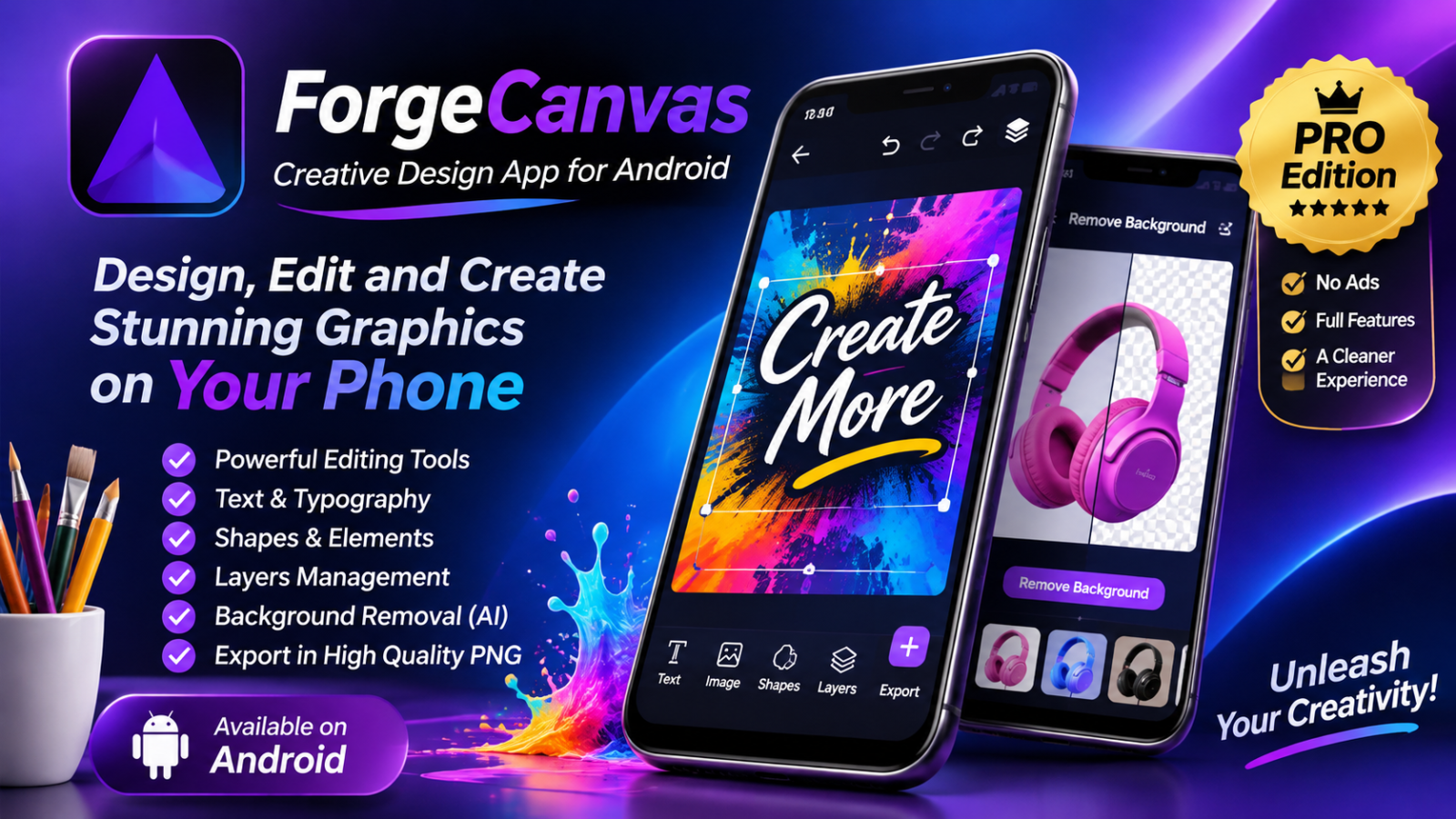
Your Creativity. Your Canvas. No Ads.
ForgeCanvas PRO is a premium Android creative application designed for people who want a more comfortable and uninterrupted design experience.
Create, customize and bring your visual ideas to life with a collection of creative tools designed to make mobile graphic design accessible and enjoyable.
Enjoy your creative experience without advertising interruptions.
PRO Edition Benefits
ForgeCanvas DEMO
ForgeCanvas PRO
Take your creative experience further with ForgeCanvas PRO.
No advertising distractions. Just your creativity.
ForgeCanvas PRO – Create Without Interruptions.
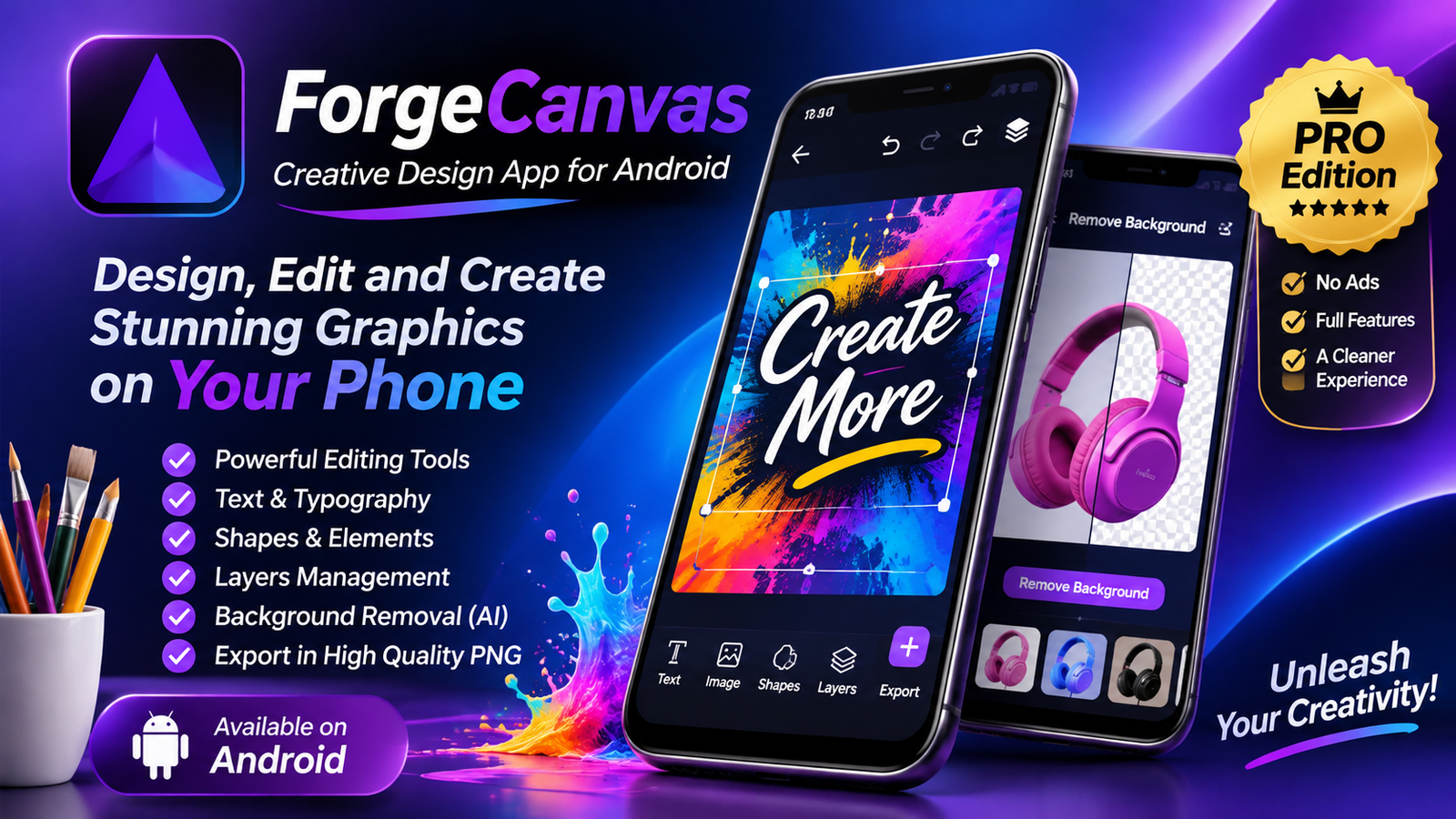
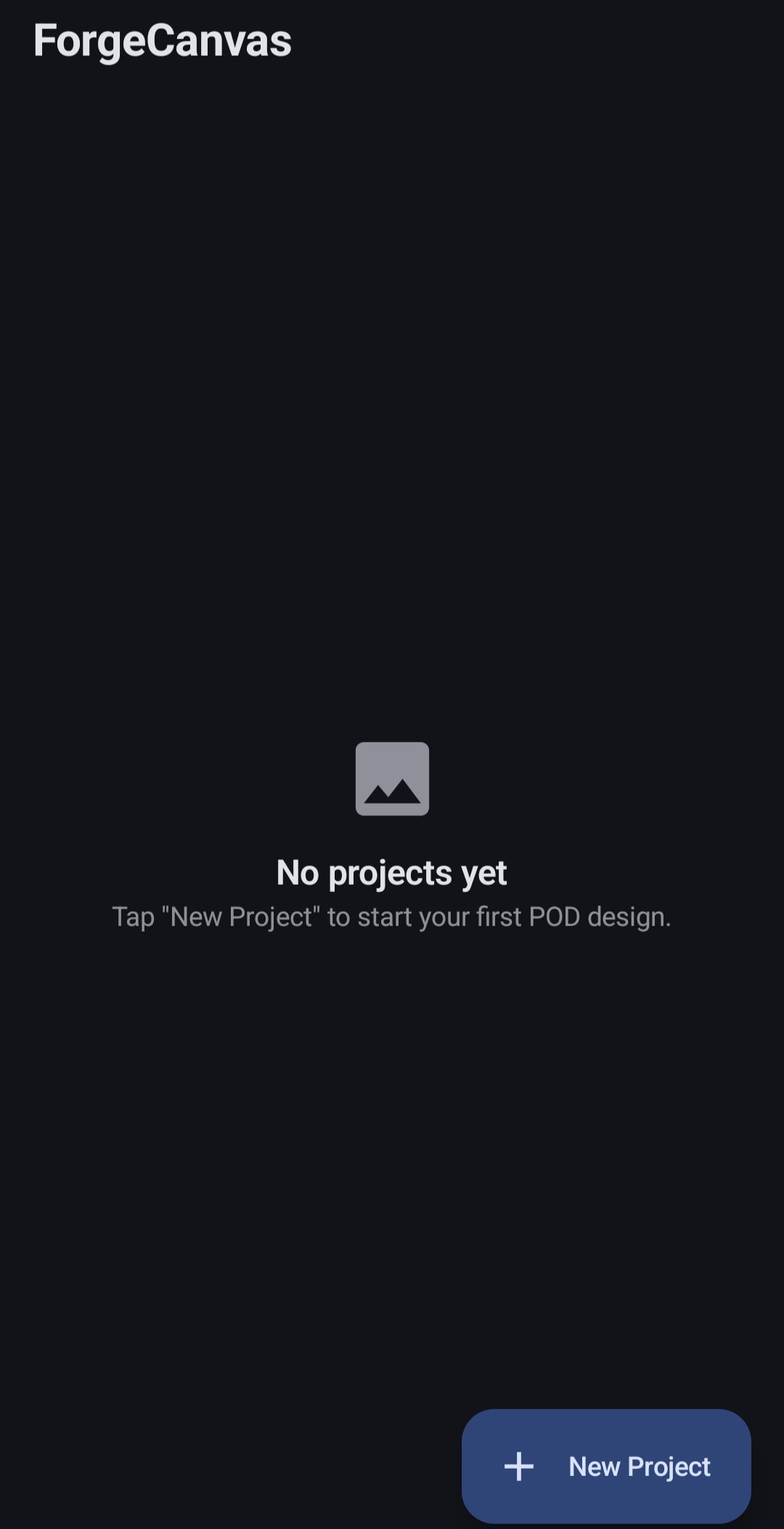
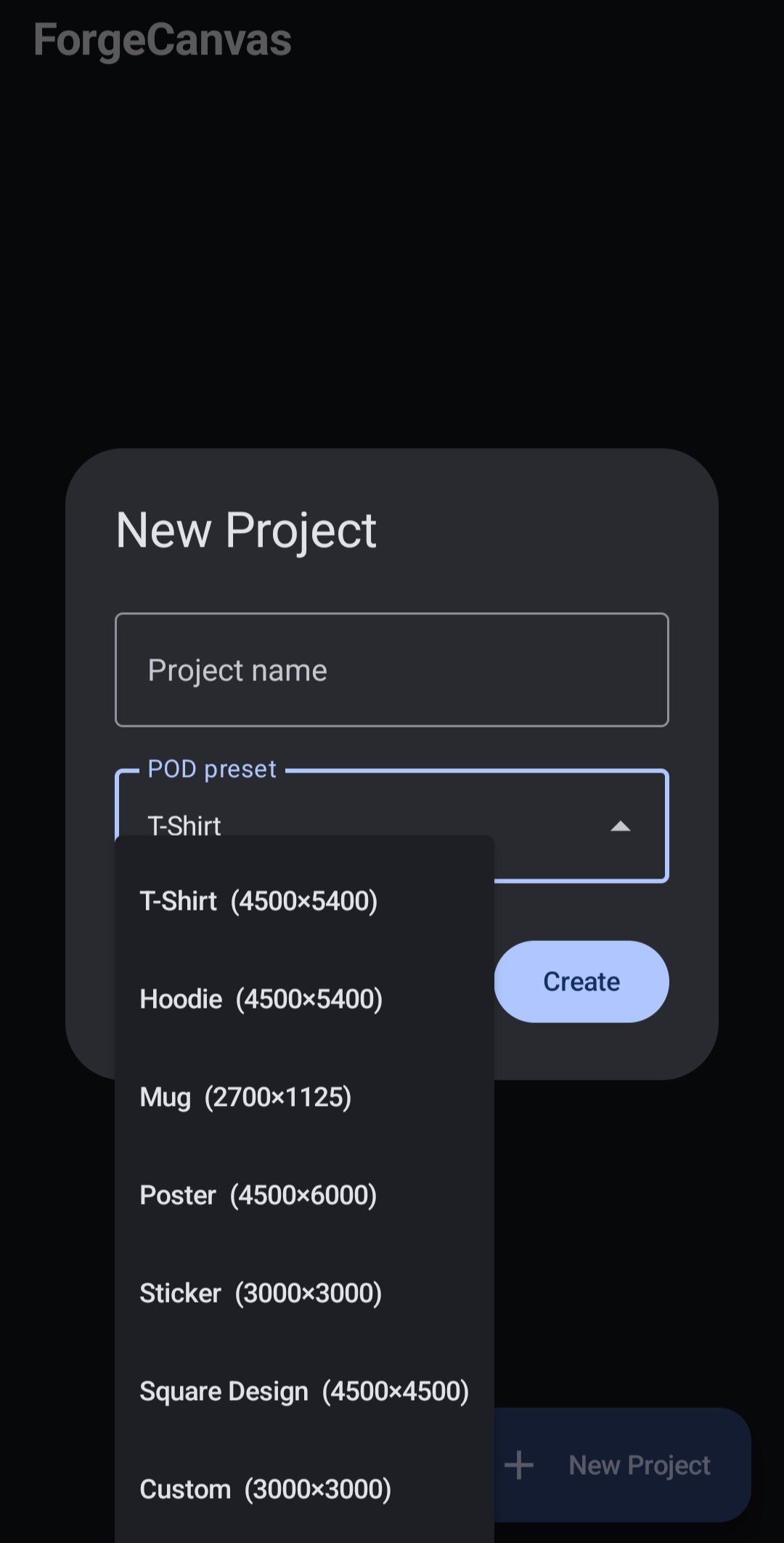
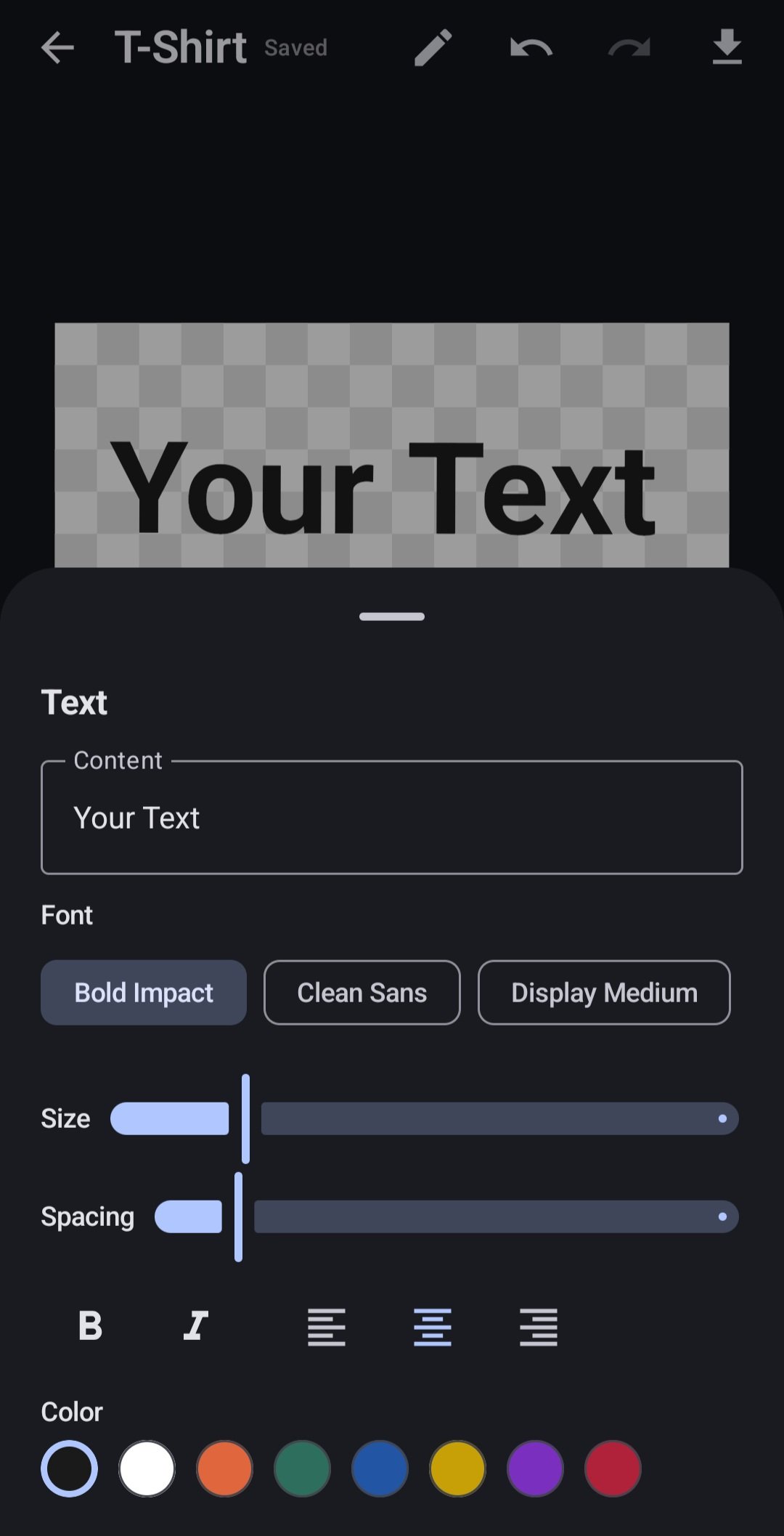
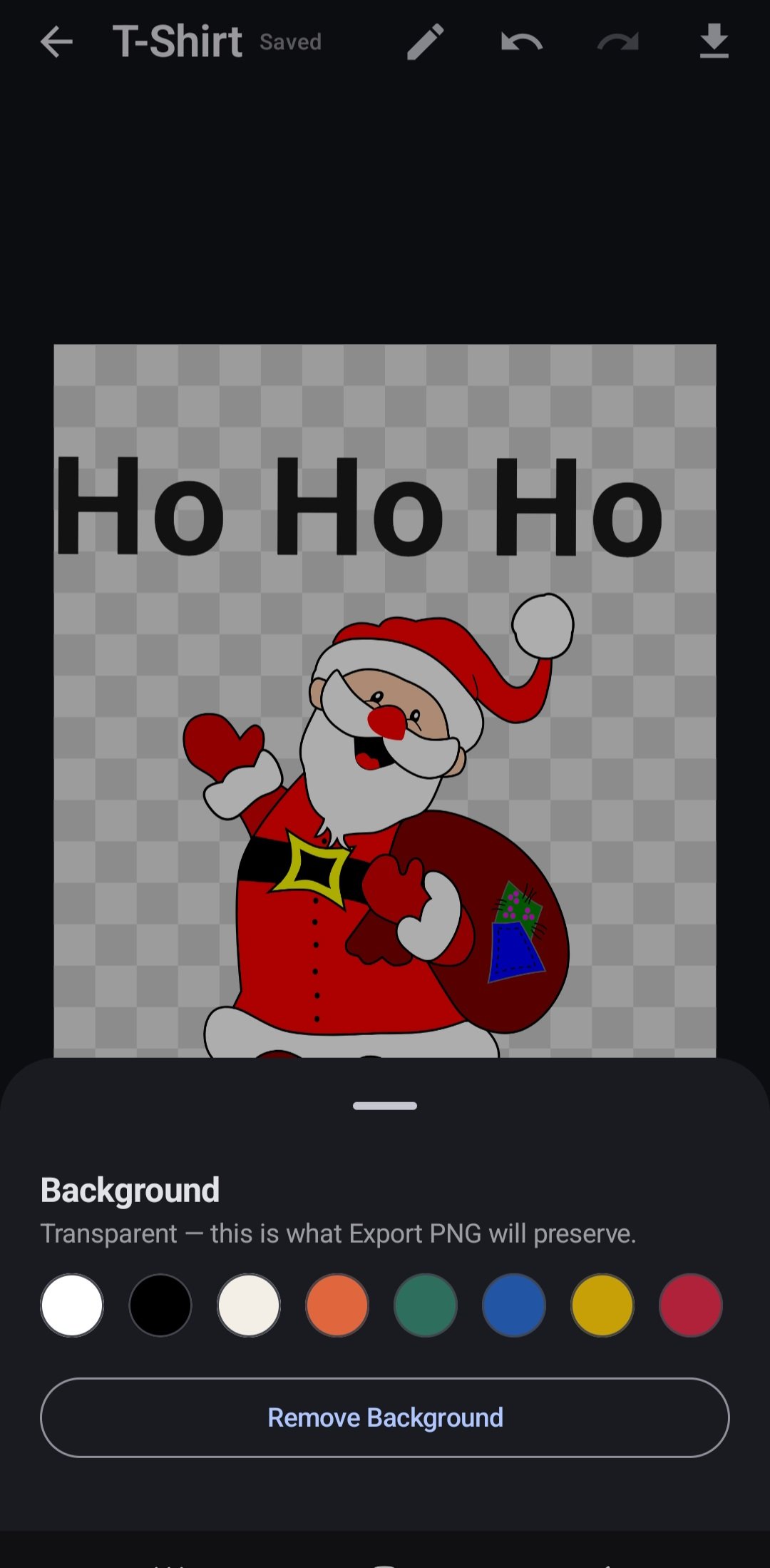
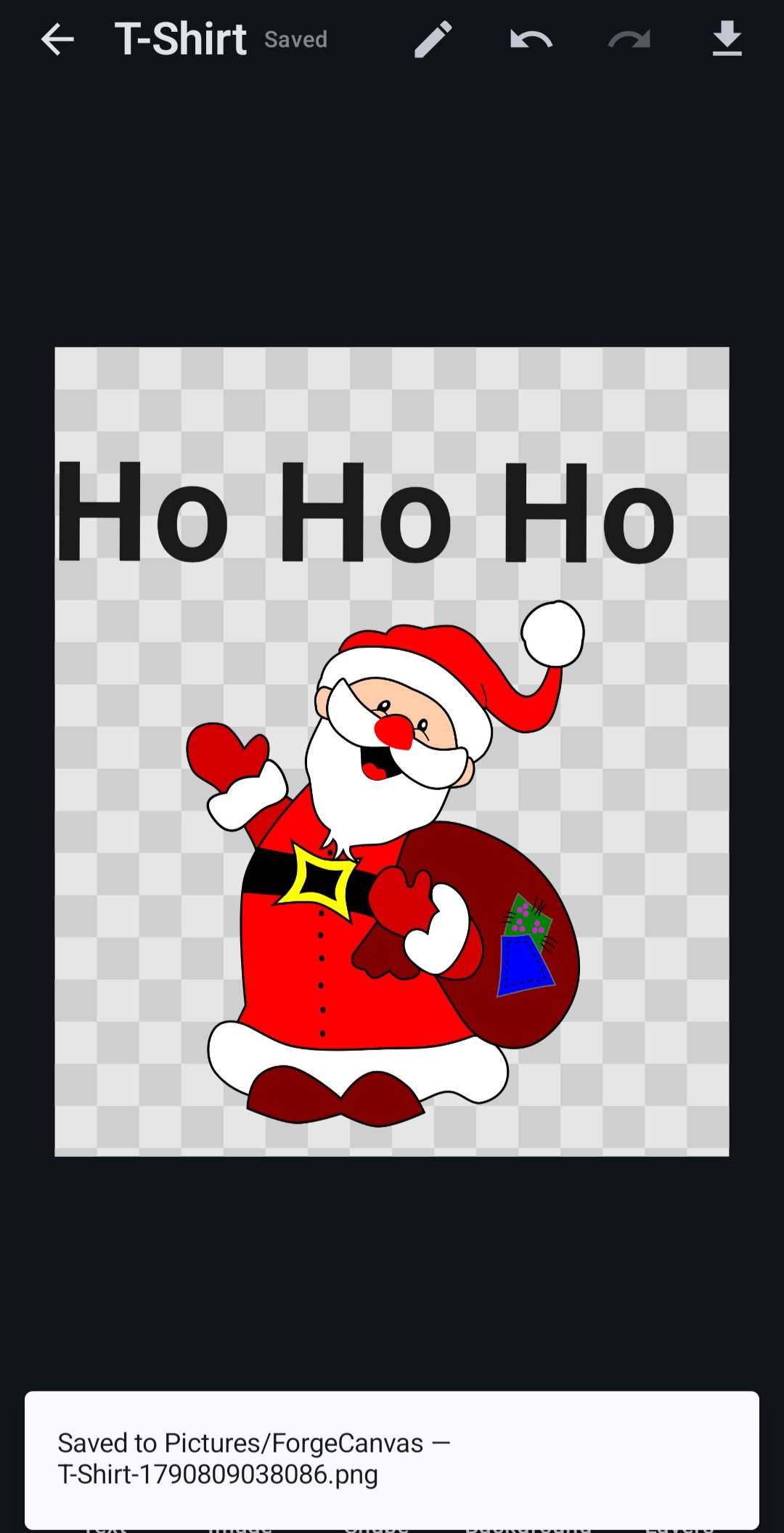

- Create and customize designs - Easy-to-use editing tools - Creative visual workspace - Intuitive user interface
- Create original visual designs - Explore your creativity - Customize designs for personal projects - Enjoy a simple creative experience
## Installation Instructions – ForgeCanvas PRO (APK)
Follow these simple steps to install ForgeCanvas PRO on your Android device.
### Step 1 – Download the APK
- Purchase ForgeCanvas PRO from AspireGate.
- Download the APK installation file to your Android smartphone.
### Step 2 – Allow APK Installation
- Open your phone's **Settings**.
- Navigate to **Security** or **Apps** (depending on your Android version).
- Find **Install Unknown Apps**.
- Select the browser or file manager you used to download the APK.
- Enable **Allow from this source**.
### Step 3 – Install ForgeCanvas PRO
- Open your Downloads folder.
- Locate the ForgeCanvas PRO APK file.
- Tap the APK file.
- Select **Install**.
- Wait for the installation to complete.
### Step 4 – Launch the Application
- Tap **Open** after installation.
- Alternatively, find the ForgeCanvas icon in your application drawer.
- Launch ForgeCanvas PRO and start creating!
### Important Security Note
Only install APK files downloaded directly from the official AspireGate website.
For your security, disable the **Allow from this source** permission after installation if you no longer need it.
### Need Help?
If you experience any installation problems, please contact AspireGate Support for assistance.
**Enjoy ForgeCanvas PRO – Your Creativity. Your Canvas. No Ads.**
Supported: Android
Downloadable demo
## Try ForgeCanvas – Free Demo Version
Want to explore ForgeCanvas before purchasing the PRO edition?
You can download the FREE DEMO version directly from Google Play and test the application on your Android device.
### How to Get the Free Demo
1. Click the Google Play download link below.
2. Open the ForgeCanvas application page.
3. Tap **Install** to download the free version.
4. Launch ForgeCanvas and explore its creative tools.
5. Experience the application before upgrading to ForgeCanvas PRO.
### FREE DEMO vs PRO Edition
- **FREE DEMO:** Available on Google Play, supported by advertisements.
- **PRO EDITION:** Available on AspireGate, completely ad-free.
The DEMO version is a great way to discover ForgeCanvas and see how it works before choosing the PRO edition.
**Ready to try it?**
[Download ForgeCanvas FREE DEMO on Google Play](YOUR_GOOGLE_PLAY_LINK)
Le prix initial était : $ 9,99.$ 0,99Le prix actuel est : $ 0,99.
Premium version temporarily unavailable. Please try our free demo version.
Available soon
$ 0,00
Available soon
Every edition includes
Help articles and known issues.
Ask a question about this product.
Android Apps
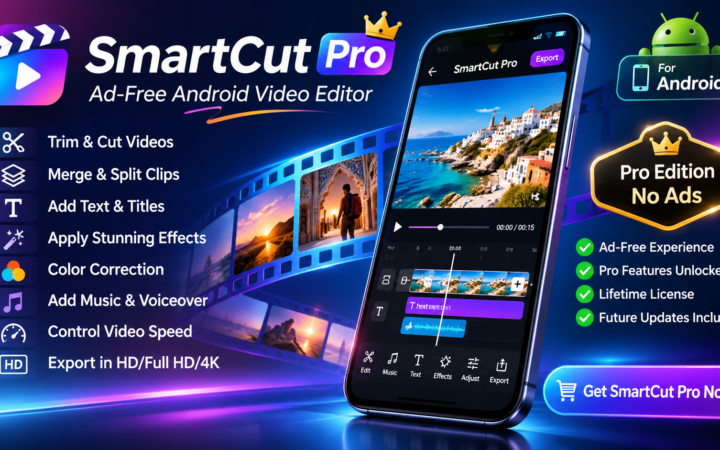
SmartCut Pro – Ad-Free Android Video Editor Edit videos. Unleash your creativity. Enjoy the Pro experience. SmartCut Pro is an Android video editing application designed for…

Browser Extensions
MerchForge BSR Research Discover. Analyze. Filter. Find Your Next Amazon Opportunity. The smarter way to research products across 7 Amazon marketplaces. Stop wasting time browsing thousands…